


Why You'll Love Taazluxe
Combining watchmaking precision with personalized design, Taazluxe creates custom jewelry that tells your unique story. Every piece reflects the quality, craftsmanship, and authenticity you deserve.
ELEVATE YOUR STYLE WITH EXQUISITE BESPOKE JEWELRY

Consultation
Share Your Vision, Inspiration, and Preferences
Begin your bespoke journey with a personal consultation. Share your vision and inspiration, and get a tailored design brought to life.
Ask questions, explore possibilities—your specialist is here to create something extraordinary that lasts a lifetime.
Once your design is finalized, you'll receive a detailed quote. Your custom piece will be crafted upon receipt of full payment.

Design
Get Custom Sketches and Collaborate on Your Perfect Design
Indulge in the pleasure of owning jewelry that tells your story. Choose your desired ring from the collection or provide an inspiration image, then select your diamond to complete the process.
After your diamond selection, explore design details brought to life with custom drawings for your bespoke piece or customized design.

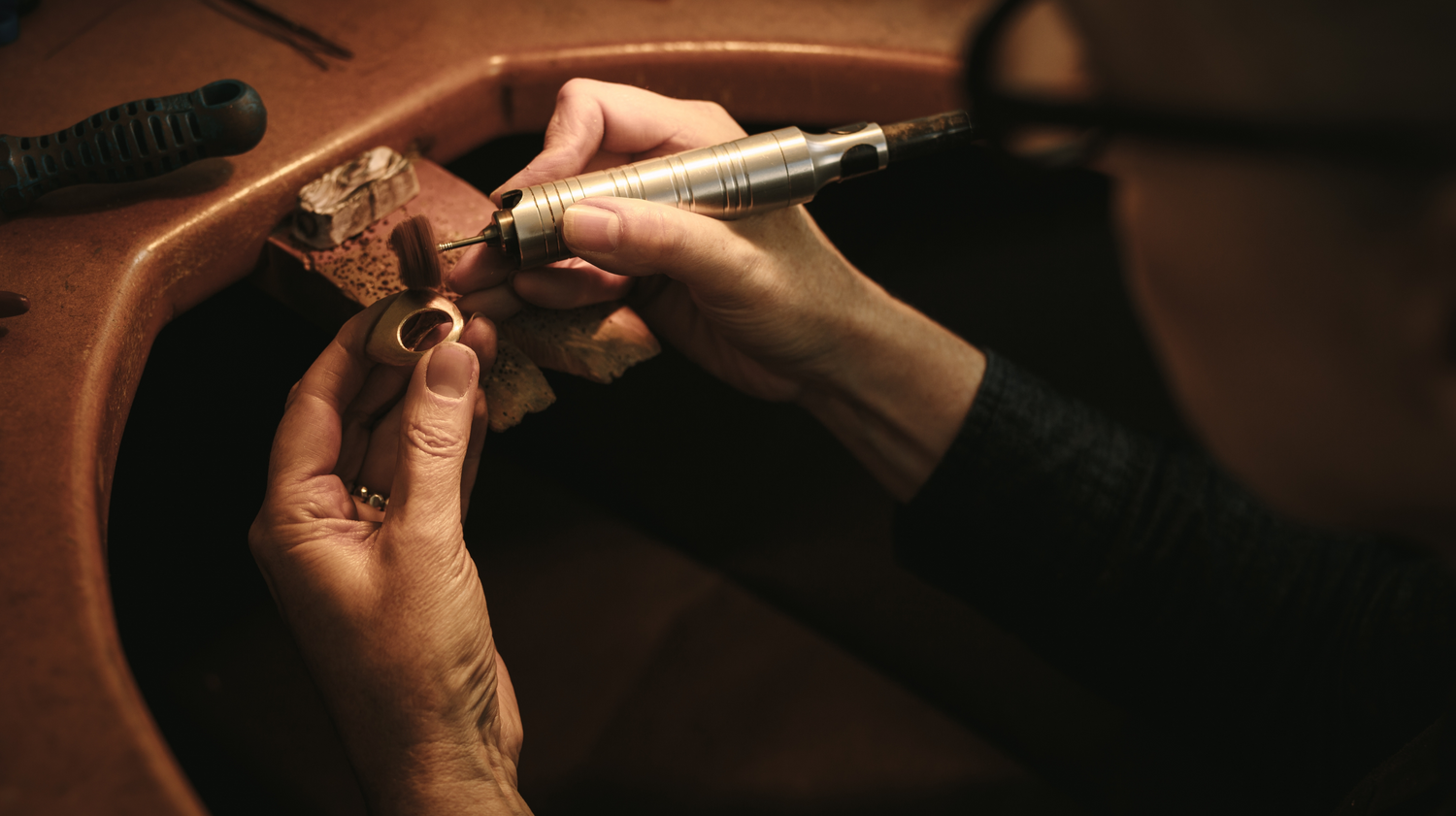
Craftmanship
Your Design Brought to Life with Precision
Skilled artisans and designers are dedicated to bringing your vision to life.
Whether it's a one-of-a-kind engagement ring, a signature pendant, or a custom bracelet, you'll receive a masterpiece that surpasses your expectations.
Explore existing designs you can customize to perfectly match your style.

Delivery
Receive your one-of-a-kind piece, crafted just for you
Elevate your style and make a statement that is exclusively yours. Let our bespoke jewelry be the crowning glory of your personal collection, a heirloom to be cherished for generations.
Ready to create your custom piece
Ready to bring your dream piece to life? Whether you're dreaming of a bespoke engagement ring, a personalized necklace, or a one-of-a-kind piece that tells your story, expert collaboration awaits you at every step.
Share your ideas and discover the joy of wearing jewelry designed exclusively for you.
Book a call with our expert team or send us a message to begin your bespoke journey.
Let us create a masterpiece that captures your essence and celebrates your unique story.

Waterproof & Lifeproof
TAAZLUXE'S GUARANTEE
S925 Silver | 18K Gold | Natural Diamond | Lab Grown Diamond
At Taazluxe, you get 925 Sterling Silver and supreme gemstone quality. Non-tarnish and hypoallergenic.
Choose from a collection of S925, 18K Gold, Natural Diamond, and Lab Grown Diamond jewelry.
You can also commission a bespoke piece in 18K Gold with diamonds of your choice.


